Contains Amazon affiliate links. See Disclosure.
Phone full, dash cam asking for a new card, or a camera coming out for half term, Halloween and Bonfire Night photos? Which microSD and SD memory cards are worth buying on amazon.co.uk?
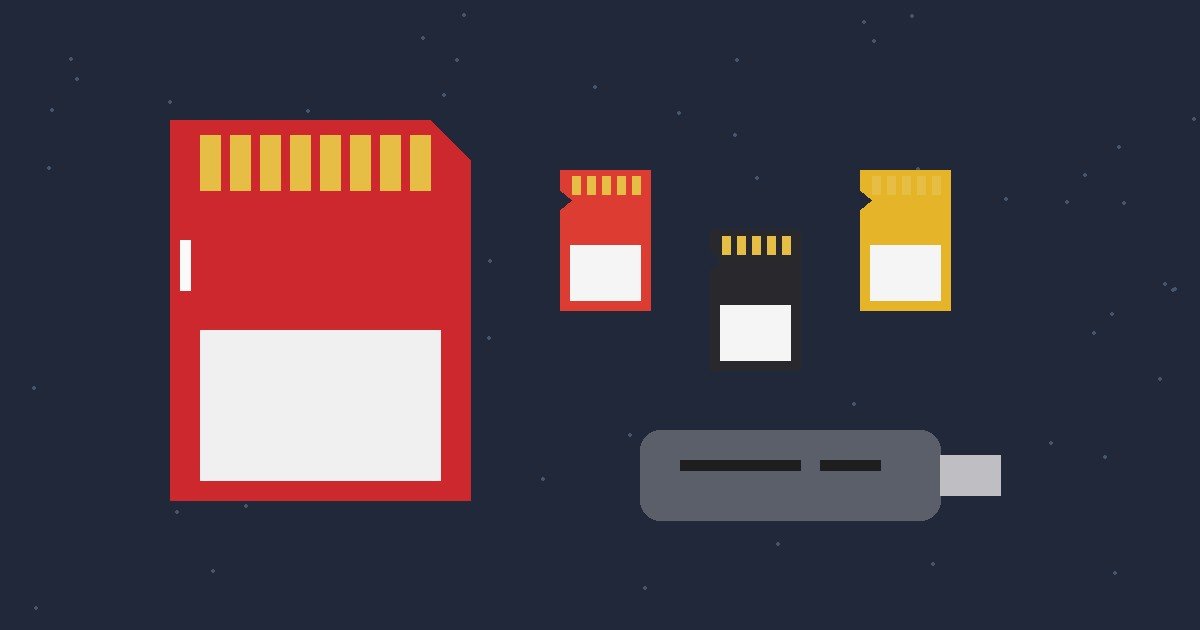
The short answer: a SanDisk Ultra or Samsung EVO Plus microSD for phones, tablets and handheld consoles, a SanDisk Extreme microSD for action cameras, drones and 4K video, a full size SanDisk Extreme PRO SD card for cameras, and a small card reader so you can back up to a laptop.
Last updated: 23 October 2026
SanDisk Ultra microSD sits at #6 in the Amazon UK Computers and Accessories bestsellers this morning, with SanDisk Extreme microSD at #19, SanDisk Extreme PRO SD at #23 and a KOOTION 64 GB microSD at #27. This is a practical UK shopping shortlist on amazon.co.uk. It does not invent prices, ratings or claims beyond what the listings state.
microSD for phones, tablets and handhelds
- SanDisk Ultra microSDXC 128 GB with SD adapter, listed as A1 rated for apps, Class 10, U1, with transfer speeds up to 140 MB/s, aimed at Android phones and tablets
- Samsung EVO Plus microSD 128 GB with adapter, listed as UHS-I U3 with up to 160 MB/s transfer speed, suitable for 4K UHD recording, for phones and tablets
- KOOTION 64 GB microSDXC, listed as UHS-I U1, Class 10, with read and write speeds up to 80 and 20 MB/s, a smaller card for basic storage
microSD for action cameras, drones and 4K video
- SanDisk Extreme microSD 128 GB with adapter, listed as U3, V30 and A2, with read speeds up to 190 MB/s and write speeds up to 90 MB/s
Full size SD for cameras
- SanDisk Extreme PRO SDXC 128 GB, listed as UHS-I, U3, V30, with offload speeds up to 200 MB/s and shot speeds up to 90 MB/s, for 4K UHD video and burst photos
Card readers for backups
- Amazon Basics microSD card reader, USB-C 3.0, listed with read and write speeds up to 200 MB/s and no software or drivers needed
- Sony MRW-S1 UHS-II SD card reader, listed as USB 3.1 Gen 1, pocket size, for photo and 4K video backups from UHS-II SD cards
- microSD card search on amazon.co.uk to compare more sizes
Open the live listing on the day you buy, as capacities from 64 GB to 1 TB often sit under one listing as separate options.
What do the symbols mean?
- U1 and U3: minimum write speed classes, U3 is the one most cameras ask for with 4K
- V30: a video speed class, also common for 4K
- A1 and A2: app performance ratings, useful if apps run from the card
- UHS-I and UHS-II: the bus type, UHS-II cards and readers need matching kit to reach their top speeds
How to pick
- Phone, tablet or handheld console: check the device’s maximum supported size first
- Dash cam, action camera or drone: U3 and V30 as a minimum, or whatever the device manual asks for
- Camera with a full size slot: an SD card, not microSD with an adapter, if you shoot a lot of video
- Photos you care about: back them up to a laptop or cloud, a card is not a backup on its own
What to check on the listing
- Capacity, and whether an SD adapter is included
- Speed class markings (U, V and A ratings)
- Seller and brand, buy from the brand’s own store or Amazon where you can, as fake memory cards do turn up online
- Reader connector, USB-C or USB-A, to match your laptop
More tech guides
- our USB-C cable multipack guide
- our Amazon Fire TV Stick guide
- our Cat6 and Cat8 ethernet cable guide
Quick checklist
- Check which card type and maximum size your device takes
- Pick the speed class the device or camera asks for
- Choose a capacity with room to spare
- Add a card reader if you back up to a laptop
- Format the new card in the device before first use
Use the Amazon product and search links above to compare options on amazon.co.uk. This is a UK shopping shortlist for microSD and SD memory cards, not a lab test or any brand’s official catalogue.
Timings and Trends is a participant in the Amazon Associates Programme. We may earn from qualifying purchases at no extra cost to you. See Disclosure.